STEP 01
Pick your scenes
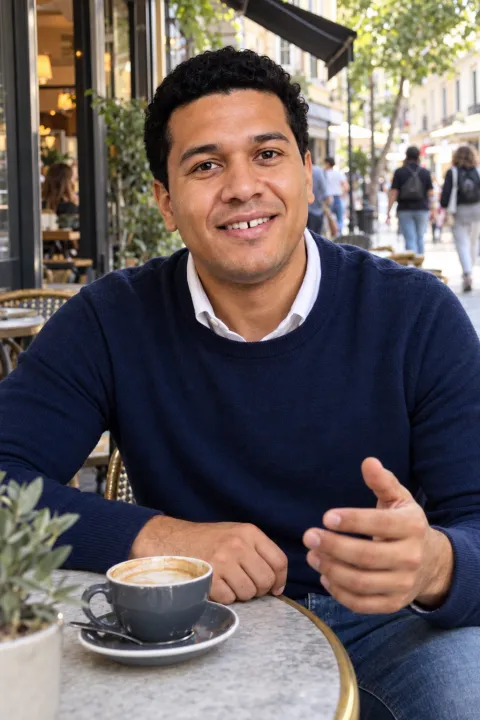
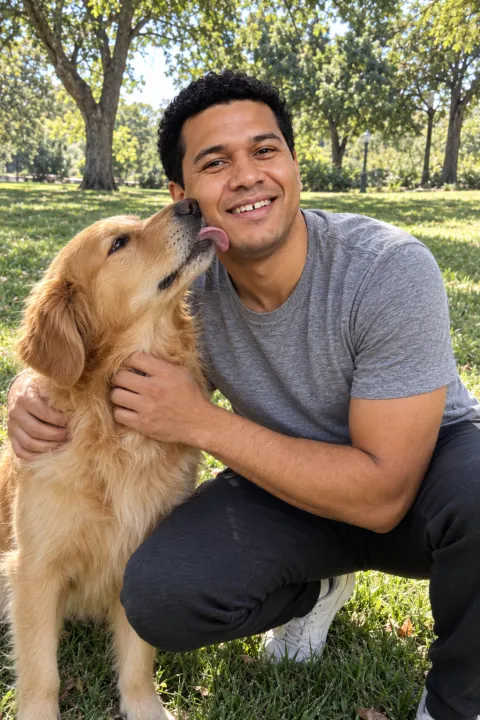
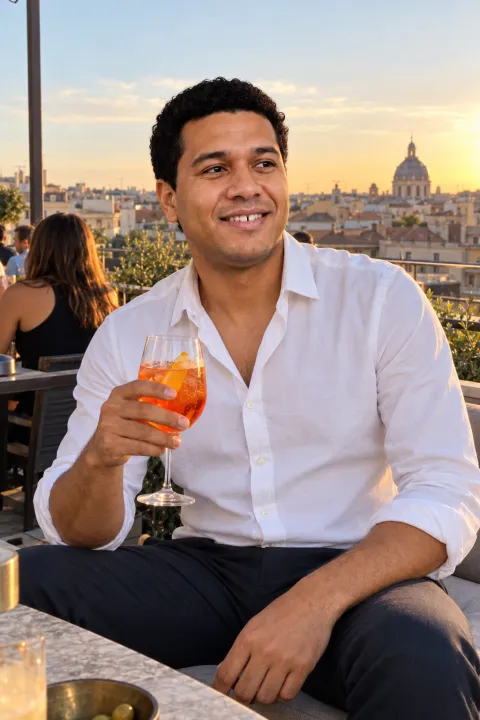
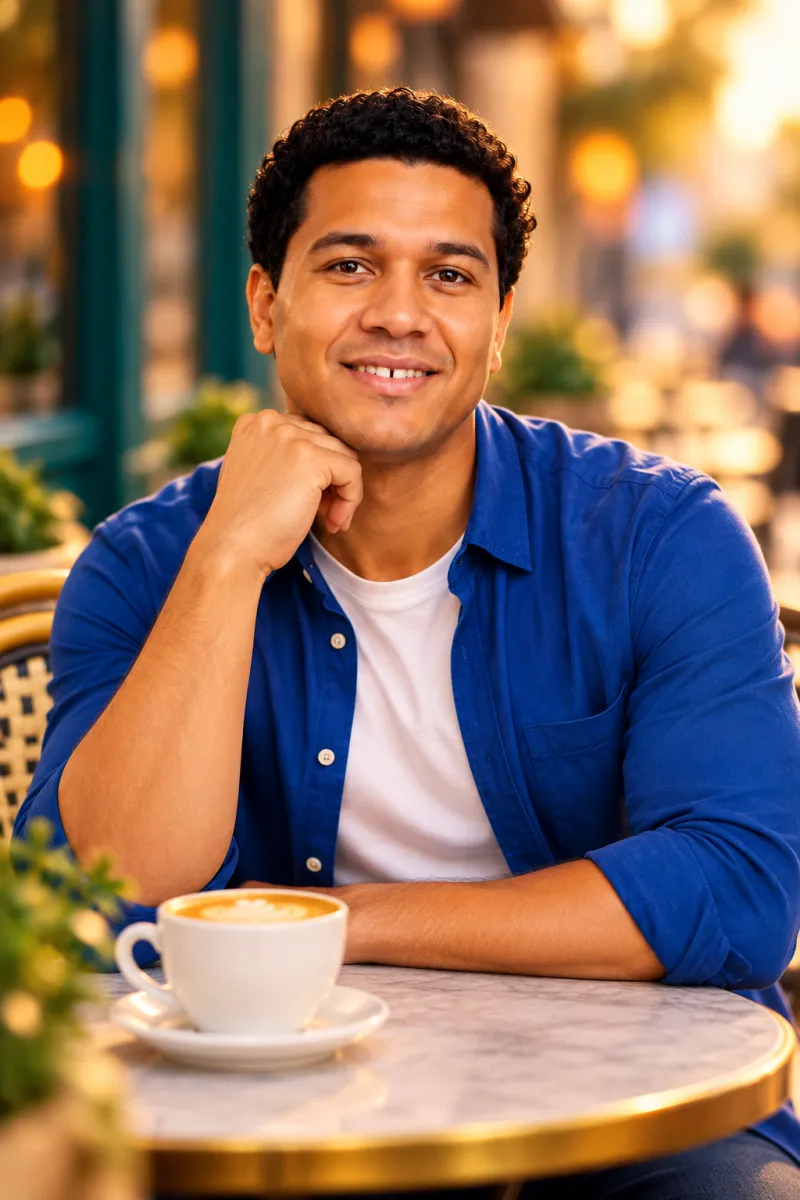
Browse 31 real-life settings and choose up to four per set: the café, the dog walk, the dinner, the weekend away. Pick what you would actually do.
AI dating photos from your selfies
Upload 3–5 everyday selfies. Get candid, phone-real photos of you on a rooftop, with a dog, out to dinner, for Hinge, Tinder and Bumble. No photoshoot, no subscription.
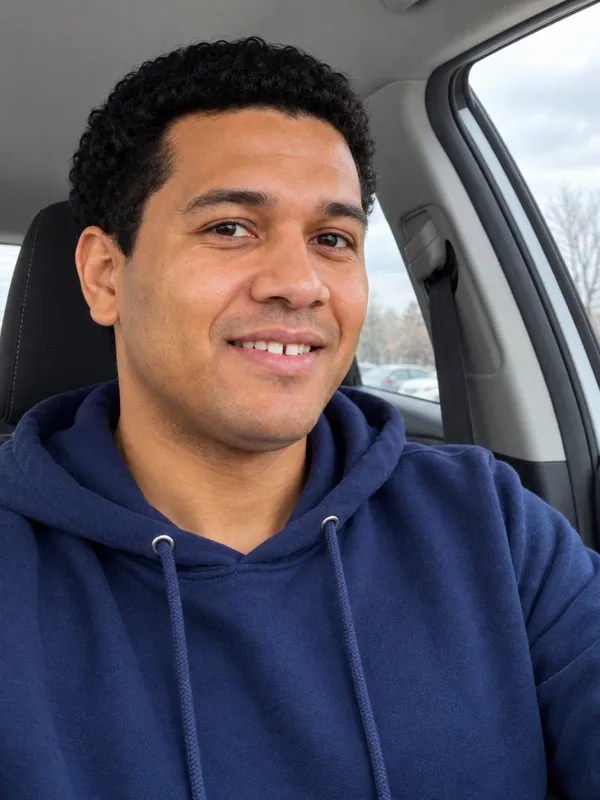
Sound familiar?
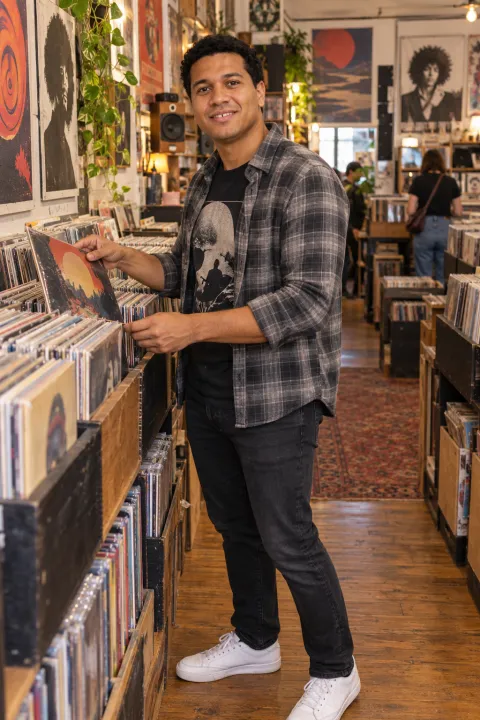
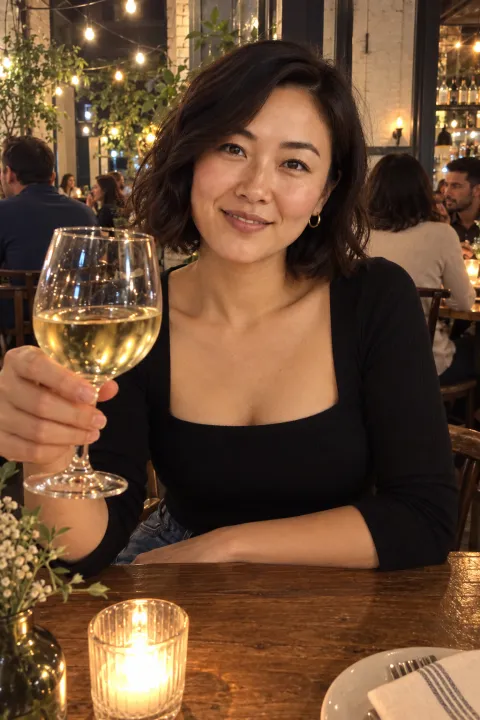
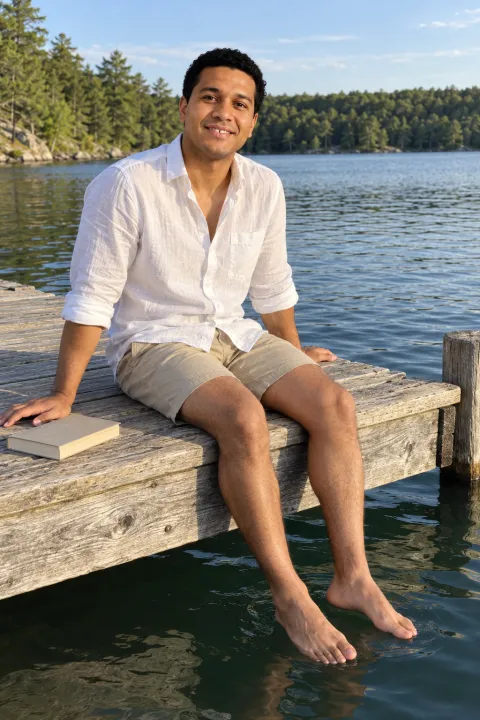
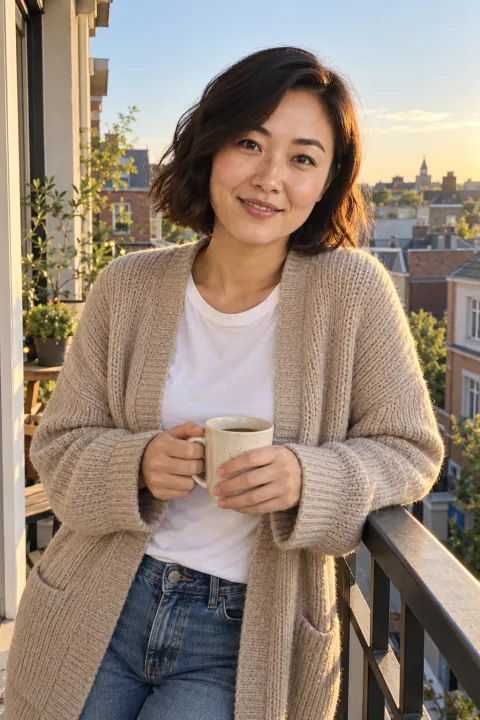
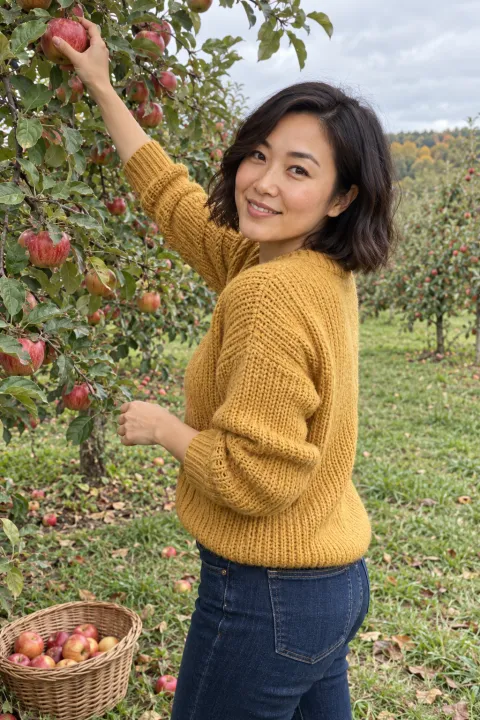
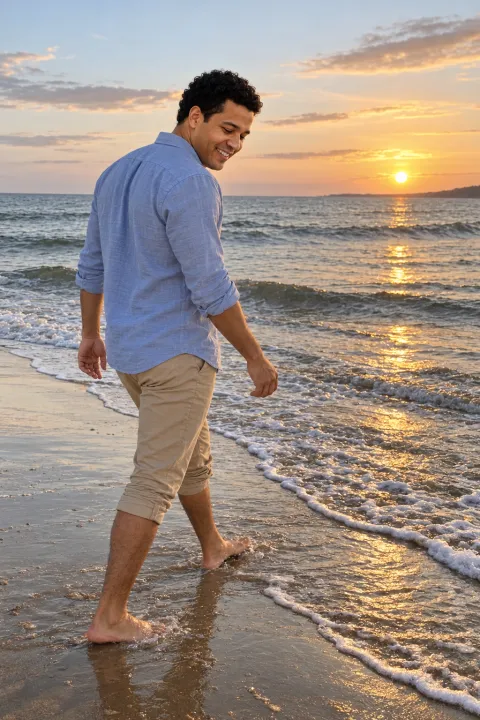
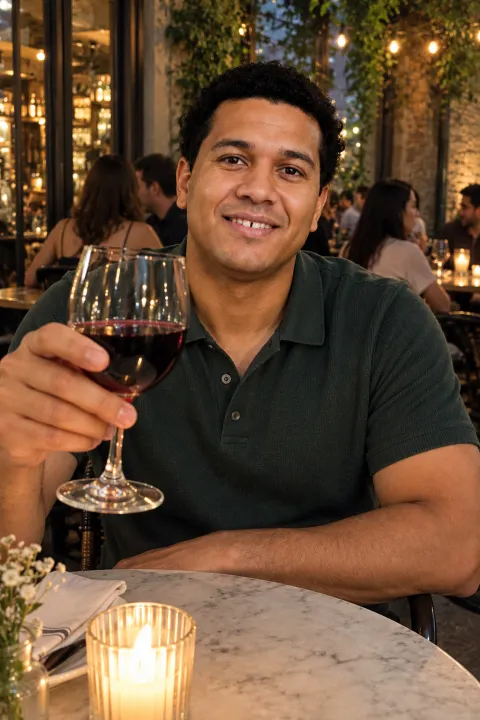
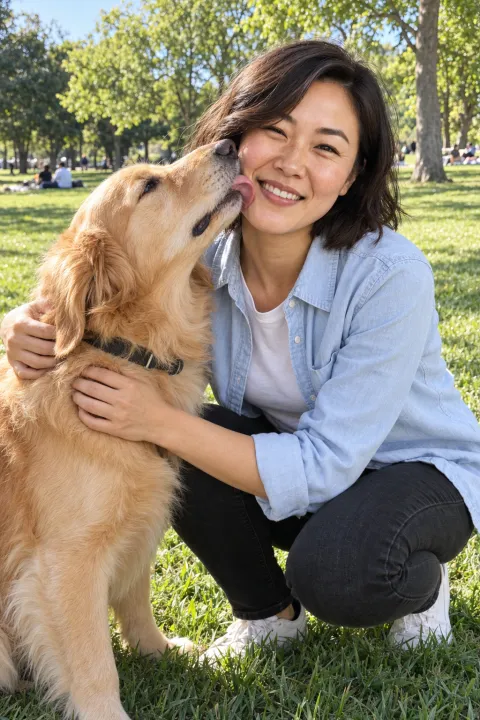
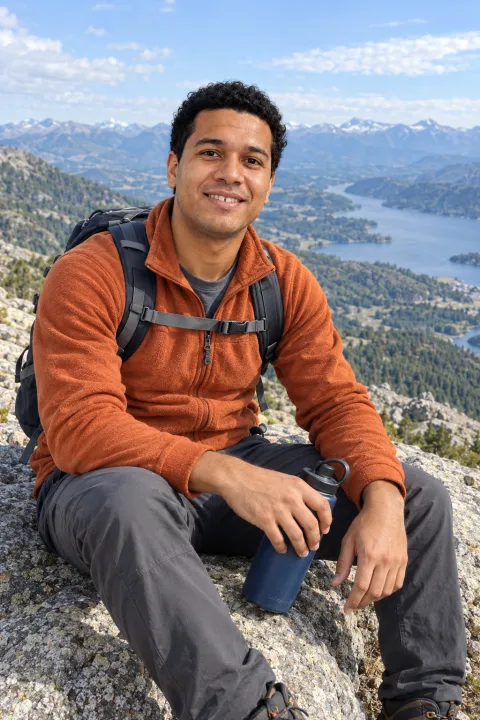
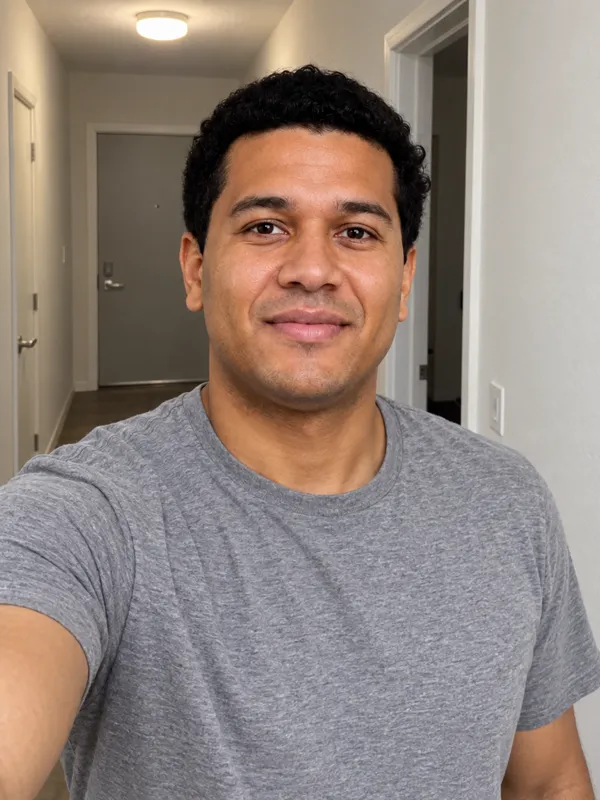
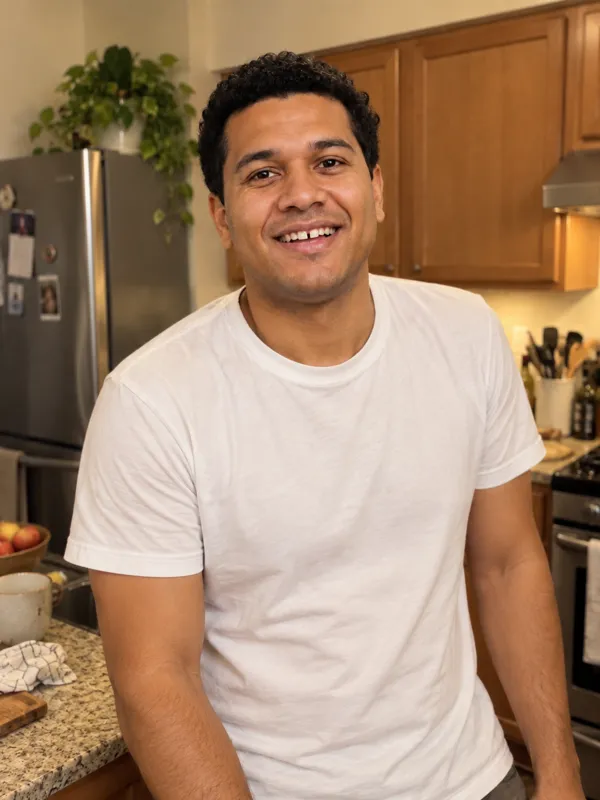
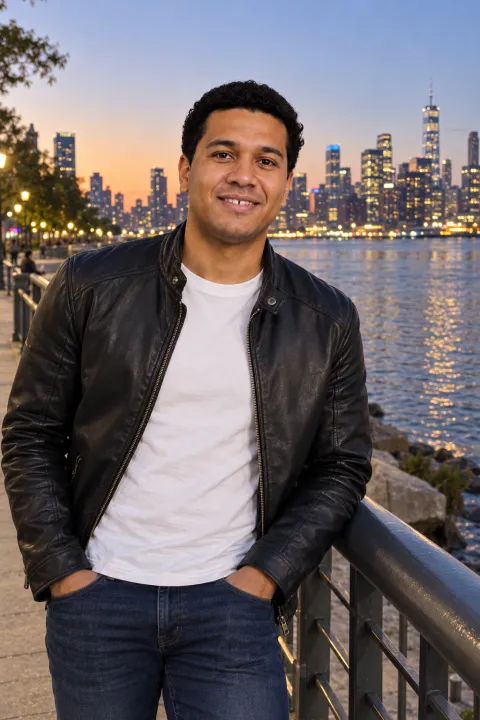
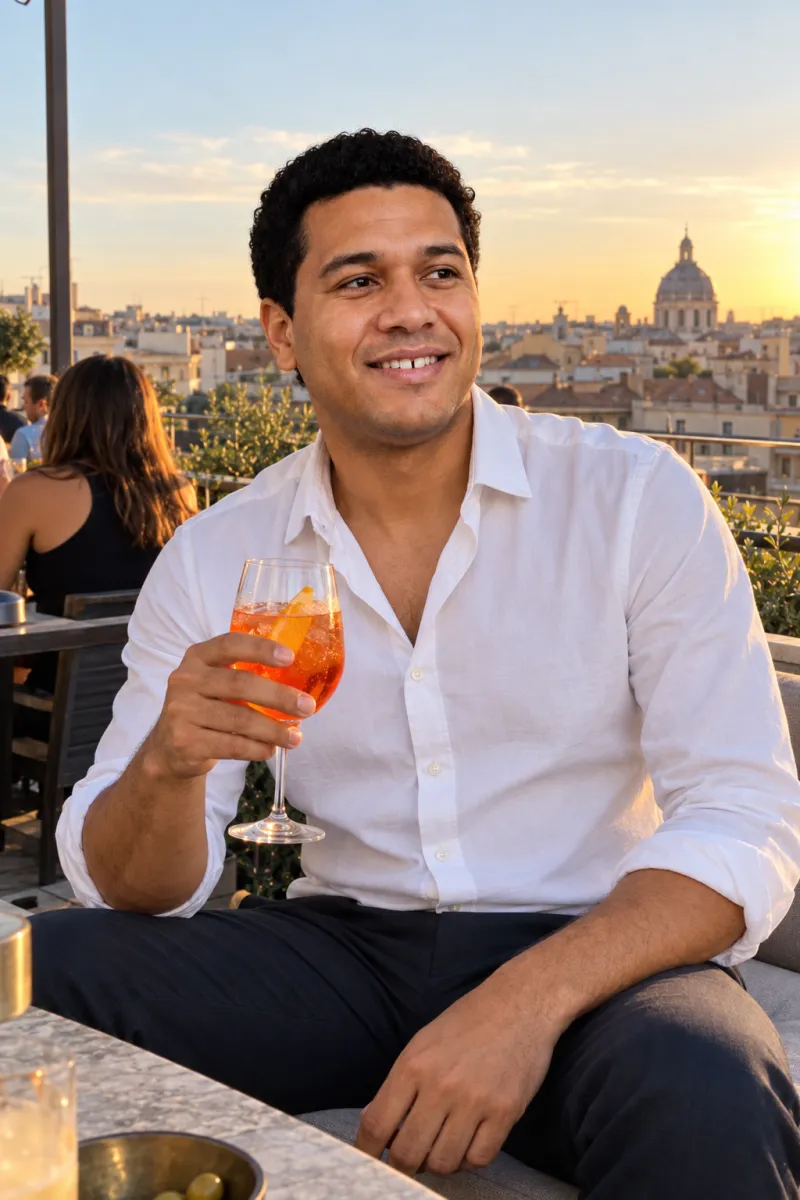
Car selfies, hallway selfies, a blurry one from a friend’s kitchen. That’s all most people have. Here’s what Charmshots made from exactly those photos.
Uploaded 3 everyday selfies
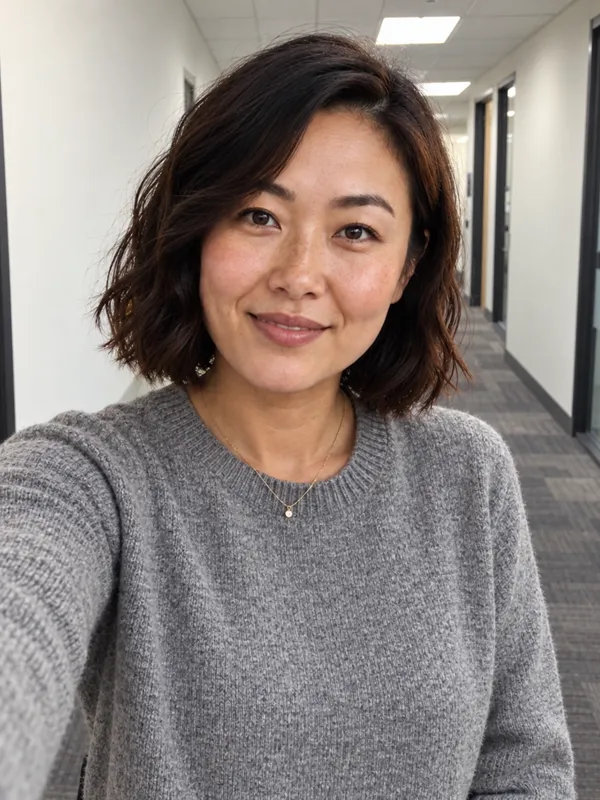
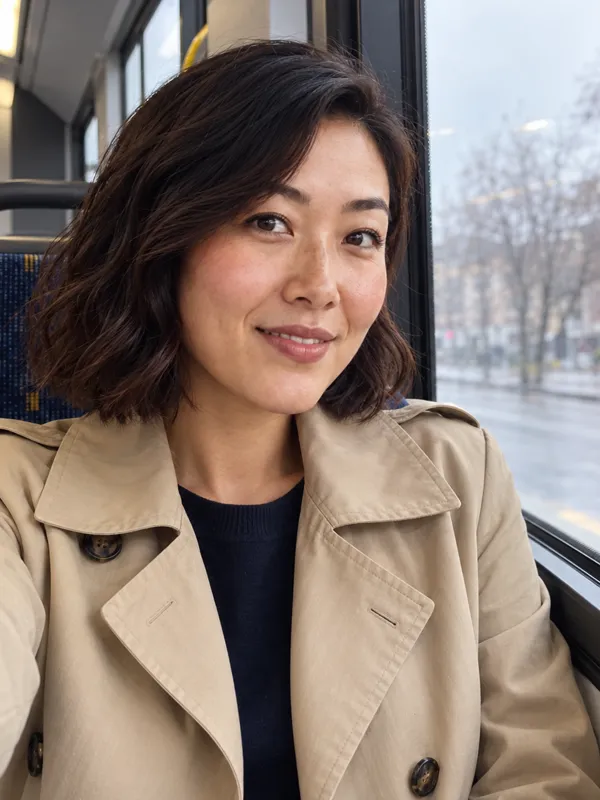
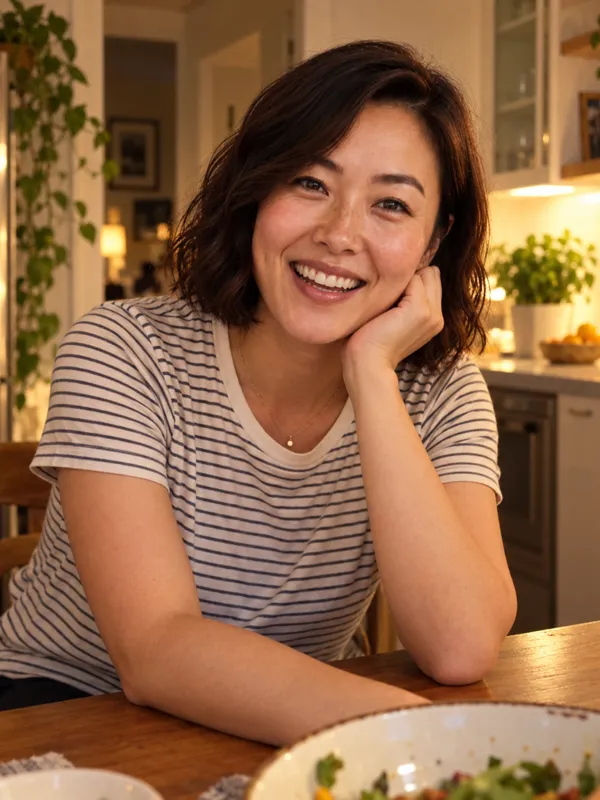
Charmshots 4 scenes, same person
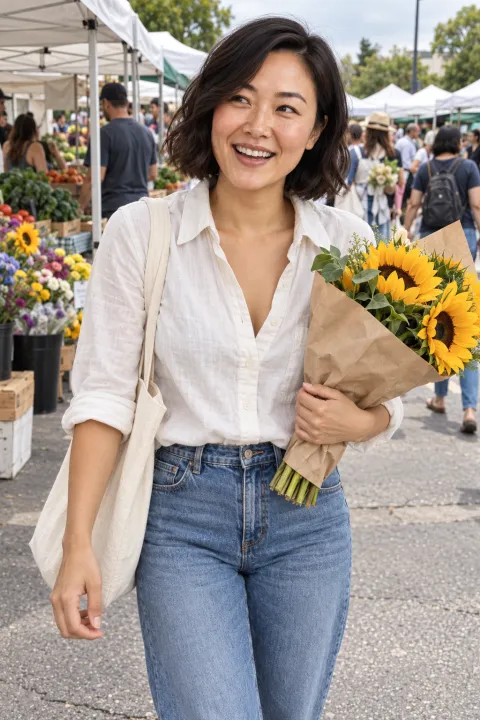
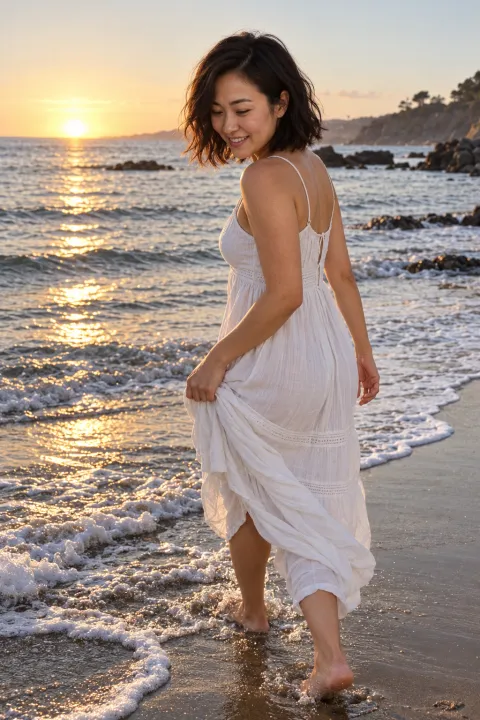

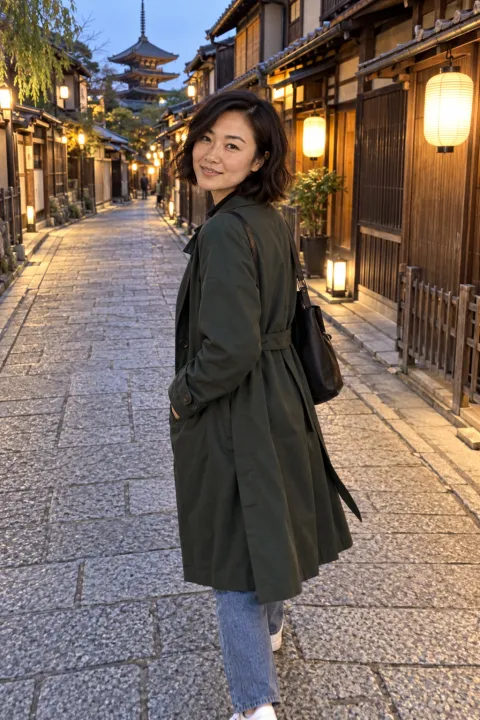
Marcus and Mei are fictional models created for Charmshots; every “after” photo was made from the selfies shown. Your results depend on the selfies you upload.
Before and after
Real, not “AI”
Most AI portraits look airbrushed: waxy skin, orange glow, a face that’s almost you. Charmshots is tuned for the casual smartphone look people expect on dating apps, with real skin texture and natural light.
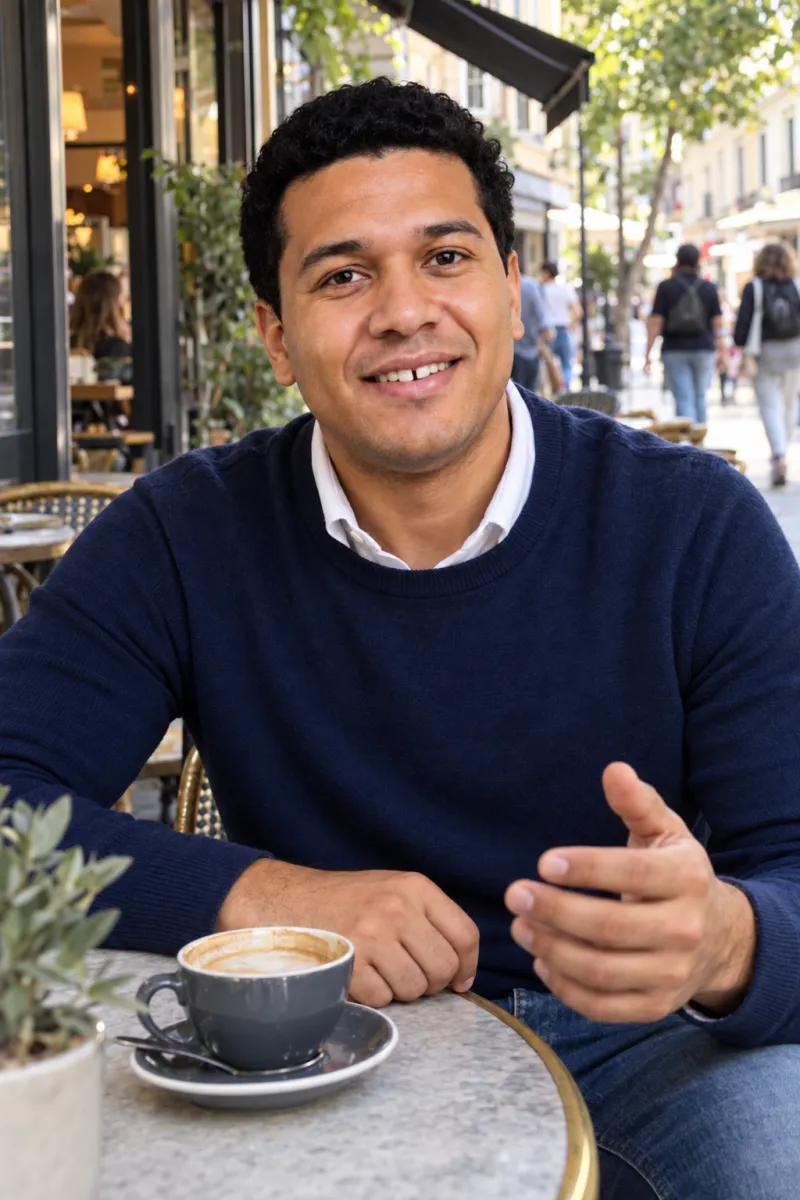 ✓ Real skin texture✓ Natural daylight✓ Looks like a friend took it
 ✕ Waxy skin✕ Orange filter✕ Fake blur
Both images show the same fictional model. The right one was made deliberately in the over-processed style to illustrate the difference.
How it works
Browse 31 real-life settings and choose up to four per set: the café, the dog walk, the dinner, the weekend away. Pick what you would actually do.
Recent, clear and unfiltered is all it takes. Upload from your computer, or scan a QR code to send them straight from your phone.
Photos render in a couple of minutes each. Download the keepers in full resolution and leave the rest. Your credits never expire.
Free photo score
Four quick questions, then a score out of 100 for every photo on your profile: face, light, sharpness, framing, filters, expression and setting. It runs in your browser, so your photos are never uploaded.
The scene library
Everyday settings that give a match something to ask about. Mix a clear portrait with a hobby, a pet or a night out for a lineup with range.
Why Charmshots
| Charmshots | Booking a photoshoot | Filter and retouch apps | |
|---|---|---|---|
| What changes | The setting, light, outfit and moment | Everything, if you book, travel and pose | Skin and colour on a photo you already have |
| Variety | 31 scenes; add more any time | A location or two per session | The same backdrop |
| Time | Minutes, from your sofa | Booking, a shoot, then waiting for edits | Minutes |
| Cost | One-time packs from $12 | A session fee, often plus edits | Often a subscription |
| Looks like you | Built from your selfies; you approve every frame | Yes | Can drift with heavy filters |
Our realism rule
Every portrait uses your own selfies as the reference. We ask for true-to-life skin and no beauty-filter retouching.
AI can miss small details. Check face, hands and proportions, and keep only the photos you would happily show a friend.
Choose scenes that match what you really do, and keep a recent unedited photo in your lineup. Honest profiles start better conversations.
Simple pricing
No subscription and no expiry. Uploading and choosing scenes is free; you only spend credits when you generate.
Starter
$12one-time
$1.50 per photo
8 AI dating photos
Profile
$24one-time
$1.20 per photo
20 AI dating photos
Pro
$39one-time
$0.97 per photo
40 AI dating photos
Questions
Choose up to four scenes, upload 3–5 recent selfies and generate. Charmshots uses your own photos as the reference for your face and creates a new portrait of you in each scene. You review every result and download the ones you want to keep.
That is the whole point, and it depends a lot on your selfies. Clear, recent, well-lit photos from a few angles give the best likeness. AI can still change small details such as hairlines, glasses or hands, so check every photo and keep only the ones a friend would recognise.
Three to five. Use photos taken in the last few months, with your face clearly visible and a mix of angles and expressions. Avoid sunglasses, heavy filters, group shots and photos where your face is small.
Each photo usually takes about two minutes to render. Keep the tab open while your set finishes; you can download each photo as soon as it is ready.
Check each app’s current photo rules before you upload. Our advice: keep your appearance accurate, choose scenes that reflect your real life, and keep at least one recent unedited photo in your lineup. AI portraits are not a substitute for an app’s identity verification.
No. Packs are one-time purchases starting at $12 for 8 photos. Credits never expire, so you can come back for new scenes whenever you update your profile.
Your uploads are used to create your portraits. They are stored on Cloudflare and sent to our image provider (currently OpenAI) only to generate your photos. You can ask us to remove your stored studio data at any time; the privacy policy has the details.
Dating photo guides
Choose, order and refresh dating profile photos as a set: shortlist your camera roll, cut duplicates, mix candid and posed shots, get useful feedback and update after a haircut or new season.
Read the guide →Dating profile photosThe best dating profile pictures for men: the six photos worth having, what to wear, which shots to drop and how to adapt the set for Tinder and Hinge.
Read the guide →AI portraitsAre AI photos allowed on Tinder, Hinge and Bumble, and is using them catfishing? How to read each app's rules, where the honest line sits and how to mix AI with real photos.
Read the guide →Dating profile photosPick your main dating photo with a thumbnail check, a does-it-look-like-you-now check and a crop check, plus headroom, circle crops and busy backgrounds.
Read the guide →Tools and headshotsAI dating photos, a photographer, a phone and a friend, or an editor? Compare cost, time, realism, variety and honesty, plus free fixes, feedback tools and how to compare AI services fairly.
Read the guide →Taking the photosTake better dating photos yourself: phone timer setup, camera distance and height, natural hands and poses, a short shot list and how to brief a friend.
Read the guide →Pick your scenes, add a few selfies and see your first photo in minutes. One-time packs from $12.