Charmshots editorial ·
If your camera roll has nothing you'd put on a dating app, you have four realistic routes: take better photos yourself, book a photographer, fix what you already have in an editor, or use an AI dating photo service. Feedback tools sit alongside all four, helping you choose. 'Better dating photos' is a promise all of them make, but they do different jobs, so ranking them against each other only helps once you know which job you need done.
We make Charmshots, an AI dating photo studio, so we have an obvious interest. We have tried to be fair anyway, including about where AI is the wrong choice, because a profile built on the wrong kind of photo helps nobody. This guide does not test or rank other products, and it does not quote their prices, because those change. Use it to work out what you need, then check each option's own current pages before you spend anything.
Start with the step that is actually weak
Look at your current photos and find the weak point. Each problem points to a different kind of fix.
- Your face is blurred, dark or tiny in every photo. This is a capture problem. Retake the photo yourself, ask a friend, or book a photographer.
- The framing is poor or the file is too big. An editor is enough.
- You want a setting you have no photo of, or a clear portrait you can't seem to take. An AI service creates a new representation, not a record of something that happened.
- You have several decent photos and cannot choose. Feedback from other people, or a structured self-audit, may help.
A simple workflow works for almost everyone: take or pick a clear, current original; make the smallest useful edit; review likeness and what the scene implies; then preview the final upload in the app. Add a tool only when it solves a specific step.
What each route actually gives you
Here are the four main routes side by side, on the things that tend to matter most.
Do it yourself: a phone, a timer or a friend
- What the photos are: real records of your life, taken this week.
- Cost: nothing beyond your time.
- Strengths: honest by default, easy to repeat, and you can shoot in places you actually spend time.
- Limits: light, framing and nerves are up to you. Some settings, such as an evening out, are hard to arrange on demand.
A dating photographer
- What the photos are: records of a real session, chosen and edited by a professional.
- Time to photos: booking, the session, then editing turnaround.
- Cost: varies widely by location and photographer; ask for a full quote.
- Strengths: real moments, controlled light, direction if you are camera-shy, photos you can use beyond dating.
- Limits: settings are limited to locations you can reach on the day, and heavy retouching can mislead as much as any generator.
An editor
- What it does: crops, resizes, brightens or corrects a photo you already have.
- Cost: often free for simple edits.
- Strengths: quick, keeps a real moment real.
- Limits: cannot rescue a blurred face or create a photo you never took.
AI dating photos
- What the photos are: new images generated from your selfies.
- Time to photos: usually minutes once selfies are uploaded.
- Cost: Charmshots uses one-time packs of $12, $24 or $39; other services set their own pricing.
- Strengths: many settings from one set of selfies; useful for a clear portrait or a mood that is hard to arrange.
- Limits: likeness needs checking and some results will drift. The scenes are illustrations, so they must match your real life.
No route makes every frame usable. Budget for rejects whichever you choose.
Free fixes to try first
Before you buy anything, try the changes that cost nothing. They fix most weak photos.
- Clean the phone lens. A smudged lens is a common cause of hazy photos.
- Move to even light. Face a window or step into open shade on a bright day. The lighting guide has simple setups.
- Ask a friend to take a few photos at chest height from a couple of metres away. Arm's-length selfies widen the nose and repeat the same angle.
- Crop with your phone's built-in editor to remove distracting edges, keeping the original.
- Remove weak photos from your profile. A shorter set of good photos beats a long mixed one.
- Run a quick self-audit. The free photo score tool checks face, light, sharpness and framing in your browser, without uploading your photos.
If the photo is only badly cropped, a built-in editor or the free Charmshots editor may be all you need. If it is blurred or outdated, a fresh photo is a better free fix than heavy processing.
Read 'free' carefully in any commercial tool. A free upload, a trial credit and a free usable export are three different things. Check the current limits before you spend time on it.
Planning photos on a small budget
Spend effort before money. A recent phone, a willing friend and a nearby spot with good light can produce a full set of useful photos in an hour.
- Wear familiar clothes you feel comfortable in; the outfit guide covers colours and patterns that photograph well.
- Plan two or three distinct shots, such as a close portrait, a half-length outdoors and one doing something you enjoy.
- Take the clearest portrait first, while everyone still has energy.
- Check sharpness on location, zoomed in on the eyes, before you leave.
- If you use a timer, rest the phone on something stable and safe, not balanced on a railing.
A paid tool will not rescue a blurred or uncomfortable source photo. A second short session in better light is often a better use of a free afternoon than several editing subscriptions. The guide to taking your own dating photos covers timers, distance and posing.
If you do buy something later, write down what the free approach did not solve. A precise gap, like 'I have no full-length photo' or 'I need a clean main portrait', makes it much easier to compare offers and to avoid paying for photos you won't use.
Selfie, friend or studio portrait?
Any of them can work if your face is clear, current and recognisable. A paid session is not automatically better, and a selfie is not automatically more authentic.
- A studio gives controlled light and a flattering camera distance.
- A selfie at arm's length can widen the nose and repeat the same angle across photos.
- A relaxed phone portrait taken by a friend often sits between the two.
Compare the real candidates side by side at phone size. Check likeness, natural expression, eye sharpness and the crop. A clean studio headshot can be useful when your camera roll lacks a clear main photo, but don't make every photo look like the same session. Mix framings and real settings so the set reads as your life, not a production.
Editors: Canva, Adobe Express, your phone or a local tool
For a crop and a small brightness fix, a simple editor and a large design suite will both work. You may not need templates, layouts or generated imagery to prepare one portrait. Write down the edit you need first: a crop, a resize, a modest light correction or a designed graphic with text. Then ask:
- Can the tool make that specific edit?
- Does it keep a usable original?
- Does it keep proportions, so your face is not stretched?
- Is the export format suitable for the app?
- Does it need an upload or account you do not otherwise want?
A circular avatar needs only a careful crop; a banner with text is a different design job. Resizing alone will not fix poor framing, and enlarging a small file cannot add real detail. Your phone's built-in photo app may be enough, and the Charmshots crop and resize tool handles ordinary framing; neither is generative reconstruction just because it changes dimensions. Review Canva's current photo editor or Adobe Express's resize page for their features, and choose the tool that does your edit cleanly rather than the one with the longest feature list.
Local or cloud?
The difference is where processing happens. A local editor works on your device; a cloud service uploads the image to a server, which may enable other features but means the file leaves your device. Don't assume every website uploads, or that every desktop app stays offline; read each product's description and privacy information, because one product can mix both. The Charmshots editor runs canvas operations in your browser, but its separate AI portrait service necessarily processes uploads remotely. For how far to take an edit, see how to edit dating photos.
Cost: what you are really paying for
Photographer prices vary so much by city, experience and package that any single figure would mislead. When you ask for a quote, check what is included:
- Session length and number of locations.
- Outfit changes allowed.
- How many edited photos you receive, and whether you choose them.
- Editing style: light correction, or heavier retouching you may not want.
- Usage rights for dating apps and social media.
- Travel costs and any reshoot policy.
With AI, the price is usually simpler, but read the details too: how many photos, whether there is a subscription, what happens to your uploads and whether you can try scenes before committing. Charmshots uses one-time packs with no subscription: $12 for 8 photos, $24 for 20 and $39 for 40. See pricing for current details. Whichever route you take, the useful number is the cost per photo you will actually use, not per photo advertised.
Also count the cost of your time. A photoshoot is an afternoon plus planning. A DIY session is an hour or two. An AI pack is mostly the time it takes to choose scenes and review results carefully.
Realism and honesty
This is where real photos, whether from a photographer or a friend, have a clear, built-in advantage. Every one records something that actually happened: you were there, in that jumper, laughing at that joke. Nobody can argue with that.
AI photos are illustrations. A good one can look like a real photograph and look like you, but the scene never took place. That is fine when the setting is ordinary and true to your life, such as a café you could easily be in or a Saturday market you actually go to. It is not fine when the scene implies travel, hobbies, pets or a lifestyle you don't have.
- Likeness drifts. Some AI results will look slightly unlike you, or subtly younger or slimmer. Check each one and reject anything that doesn't pass. The likeness checklist explains what to look for.
- App rules vary. Dating apps set their own rules on photos and change them. Are AI photos allowed on dating apps? explains how to check and where the honest line sits.
- Retouching counts too. Heavy retouching from a photographer or an editor can mislead just as much as a generated image. Ask for natural editing.
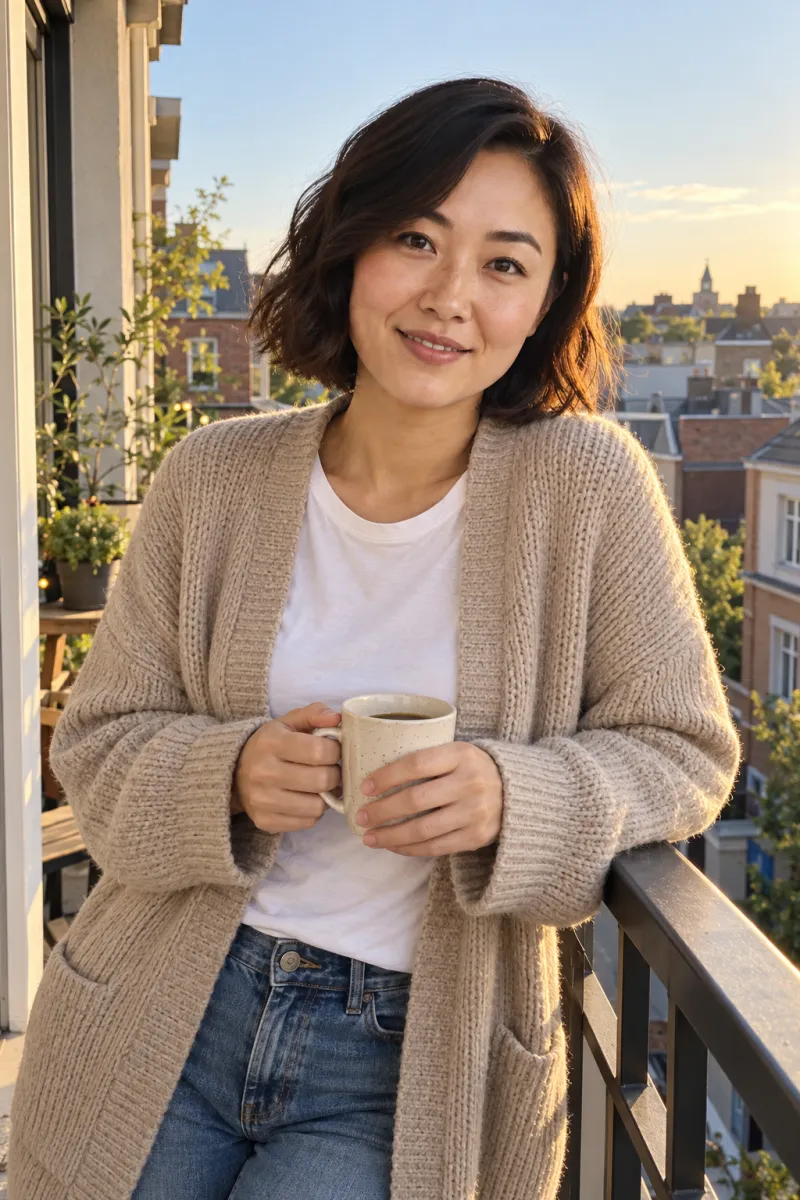
Variety of scenes and moods
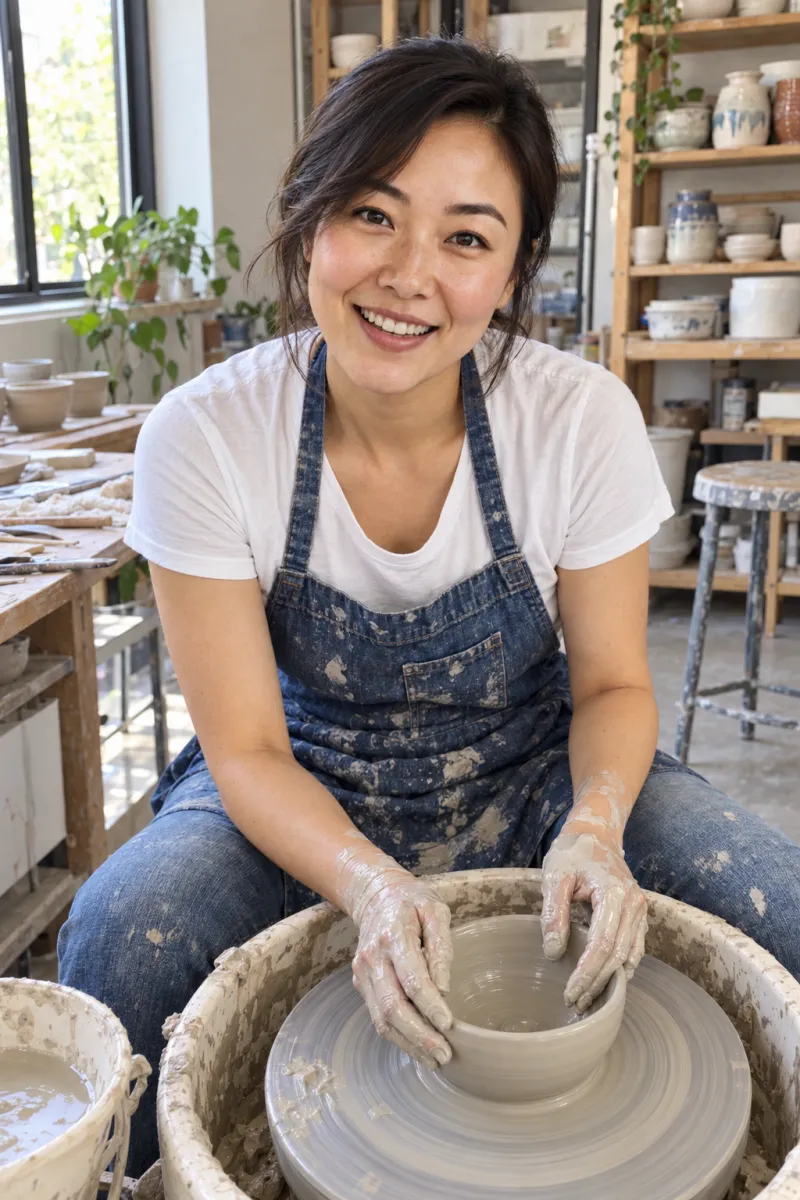
A good dating profile needs variety: a clear portrait, a full-length shot, something you do, a different mood. A photographer can give you that, but each extra location or outfit takes time on the day, and some settings, such as an evening rooftop or a cosy kitchen, are hard to arrange in one session. DIY photos have the same limit, spread across weeks.
Variety is where AI is strongest. From one set of selfies you can try several settings and moods and keep the ones that suit you and match your real life. The goal is a varied set of honest photos, not as many scenes as possible. Browse the scene styles to see the range, and use the lineup guide to decide which jobs your profile is missing.
Comfort, confidence and camera shyness
Some people dread being photographed. A good dating photographer is partly a director: they will talk to you, make you laugh and catch the moment you forget the camera. For camera-shy people that guidance can be worth a lot, and you may come away more confident about how you look on camera. A patient friend can do some of the same.
Others find a session with anyone too awkward to relax. For them, taking a few selfies alone at home and letting AI handle the setting can feel far easier. The guide to selfies for AI portraits explains what to upload.
Privacy and control
- Photographer: ask how long they keep raw files, whether they will use your photos in their portfolio or adverts, and how to say no.
- AI service: read how your selfies are stored and used, whether they are used for anything beyond your own photos, and how to delete them.
- Editors and feedback tools: check whether the file leaves your device and, if it does, how long it is kept.
- Any route: keep your originals and chosen photos in your own folder, labelled, so you always know which are real, which are edited and which are generated.
Comparing AI portrait services fairly
Several services, including Fotto and Charmshots, offer AI dating portrait workflows, and they differ in inputs, scenes, controls and terms. A vendor's gallery cannot show how a generator will handle your face, or how many outputs you will reject. If you want to compare, run the same checklist for each:
- What inputs does it require, and what do real output examples look like?
- What are the likeness, privacy and deletion controls?
- What are the current pricing and refund conditions?
- What is the cost per usable photo, not per advertised photo?
For a hands-on comparison, use one written brief and the same references everywhere:
- Pick a neutral scene, a current outfit style and the intended use.
- Use only your own selfies. Never upload another person's face without their permission.
- Keep the request as similar as each product's controls allow.
- Review every output for likeness, hands, hair and accessories.
- Count usable images separately from total images.
An output with lovely light but a different face should fail the same way in every product; otherwise you are comparing visual styles, not your actual need. Record the date, package and references used, and don't turn one small personal trial into a general verdict. See the current Fotto product page and each alternative's own checkout for what is included. If your photo only needs a crop, generation is unnecessary; if you need a record of a real activity, a camera answers that directly.
Feedback: Photofeeler, friends and self-audits
Feedback judges a photo you already have. It does not create a better source photo. Decide what you want to learn, because a broad attractiveness score is less useful than hearing that your face is hidden or the crop feels cramped.
- A trusted friend can tell you whether it looks like you now, though they may be too kind about a weak photo.
- A structured service such as Photofeeler gives feedback from strangers who do not know you.
- A private self-audit with the free score tool, or simply viewing the set at phone size, quickly reveals distractions.
- A photographer can diagnose capture problems like light and distance.
Treat any small sample of opinions as a guide, not a prediction. Use comments to make one specific improvement, then build your lineup, rather than chasing a higher score.
When a photographer is worth it
- You have no recent real photos at all and want a solid, honest base set.
- You are camera-shy and would benefit from direction.
- You want real photos for more than dating: work profiles, a personal website, a speaker bio. The headshots page covers work portraits.
- You'd rather never wonder whether a photo looks like you.
- You have the budget and time, and enjoy the experience.
If you book one, tell them the photos are for dating apps, and which ones; a dating set needs different frames from a corporate headshot. Ask for the jobs explicitly: clear portrait, full-length, activity, social or candid, dressed up, relaxed. Choose locations you actually spend time in, bring two or three outfits, prefer soft light (overcast days or late afternoon), ask to see a few frames early so you can adjust, and ask for natural editing.
When AI dating photos make sense
- You have some real photos but they are dim, distant or all group shots, and you need a clear portrait.
- You want to explore which settings, colours and framing suit you before a real shoot.
- Budget is tight and a photoshoot isn't realistic right now.
- You need a specific gap filled, such as a full-length shot or an evening look.
- You're comfortable checking every result carefully and rejecting what doesn't look like you.
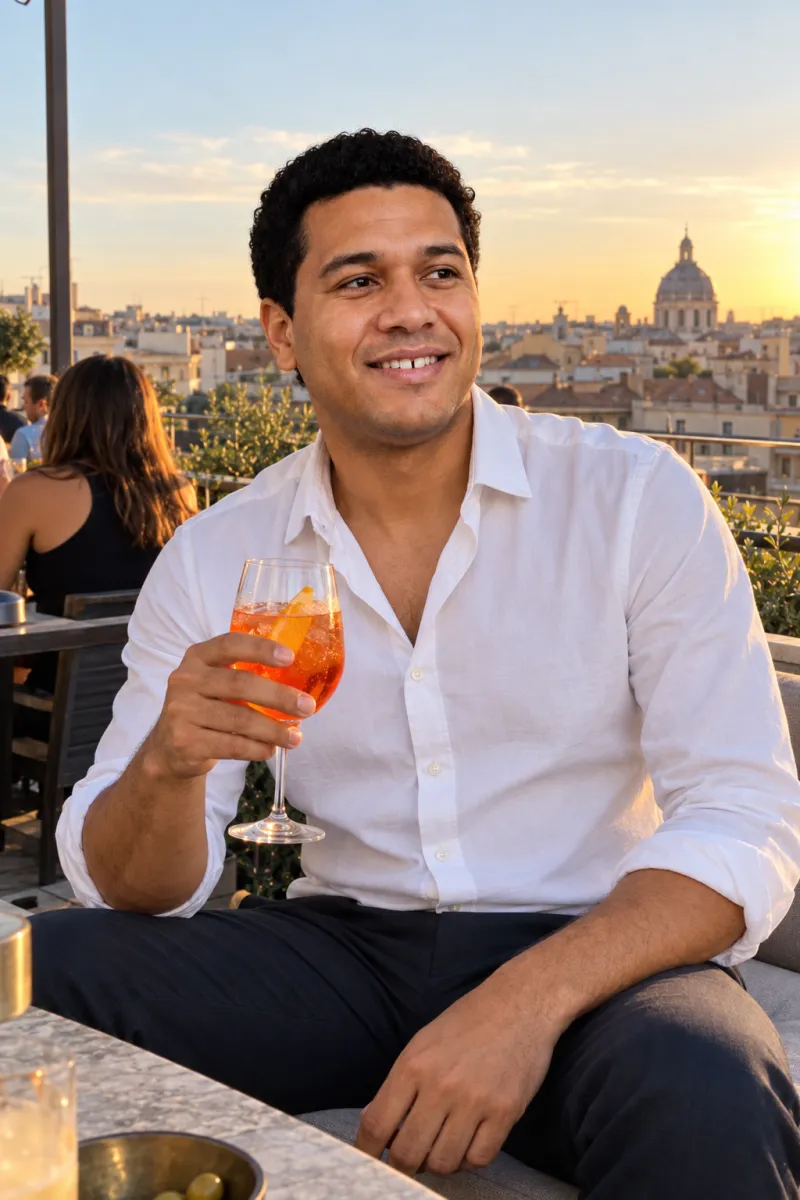
To get good results, upload clear, recent, varied selfies with different angles, natural light and no sunglasses or heavy filters. Choose a few scenes that fill specific gaps rather than as many as possible, review every result at full size next to a real photo, and label generated images in your own files. AI is the wrong choice if you want it to change how you look, to invent a lifestyle, or to replace every real photo in your profile.
The middle route: combine them
Many people get the best value from a mix. Real photos carry the lived moments; AI portraits fill clear, specific gaps.
- Gather the best two or three real, recent photos you have, or take them with a friend in an hour.
- Tidy them with a light edit: crop, straighten, brighten.
- List the jobs your profile still lacks: clear portrait, full-length, activity, different mood.
- Use a small AI pack for those gaps, choosing scenes from your real life.
- Review every result side by side with a real photo; keep only clear likenesses.
- Check the set with the free photo score tool, then adapt it per app using Hinge, Tinder and Bumble photo ideas.
A quick way to decide
- I have no recent photos and want something I never have to explain: a photographer, or a friend with a phone.
- My photos are fine but badly cropped or a little dark: an editor, free.
- I have a few real photos but no clear portrait: a small AI pack, or one more DIY session in better light.
- I'm camera-shy and want direction: a photographer.
- I'm camera-shy and want to avoid a session entirely: selfies plus AI.
- I need photos for work as well as dating: a photographer.
- I can't decide between the photos I have: a self-audit, then a friend's opinion.
- I want to try different looks cheaply first: AI, then a real shoot if you want one.
Whichever you choose, the same rules apply: recent, recognisably you, varied, and honest about your life.
Is a dating photoshoot worth it?
It can be, especially if you have no recent real photos, you're camera-shy and would benefit from direction, or you want photos for work too. Ask for a full quote, a mix of close and full-length shots and natural editing so the photos still look like you.
Are AI dating photos as good as a photographer?
They do a different job. A photographer records real moments; AI creates illustrations from your selfies. AI is quicker, cheaper and offers more settings, but each result needs a likeness check and real photos should stay in your profile.
What is the best free way to improve a dating photo?
Clean your lens, move into soft, even light and ask a friend to take a few photos from a couple of metres away. Then crop out distractions with your phone's editor. These steps fix more weak photos than most paid edits.
How much do AI dating photos cost?
It varies by service. Charmshots uses one-time packs with no subscription: $12 for 8 photos, $24 for 20 and $39 for 40. Check the pricing page for current details.
How do I compare AI portrait generators?
Use the same selfies and written brief for each, review every result for likeness, hands and hair, and count usable images separately from the total. Note privacy, deletion and revision terms as well as the look.
Do I need Canva or Adobe Express to edit a profile photo?
Not for a simple crop, resize or brightness fix. A phone's built-in editor or a basic browser editor is enough. Larger design suites help when you need text, layouts or several combined images.
Is a selfie good enough for a dating profile?
A clear, current selfie can work, but arm's-length shots can distort features and repeat the same angle. Include photos taken by a friend or on a timer from further away to give a more natural mix.
Can I use both photographer and AI photos on my profile?
Yes, and many people find that a sensible mix. Let real photos carry the lived moments and use AI portraits for specific gaps, making sure every photo looks like the same person and the app's current rules allow it.
What should I ask a dating photographer before booking?
Ask about session length, locations, outfit changes, how many edited photos you get and who chooses them, the editing style, usage rights, how long they keep your files and whether they'll use your photos in their own marketing.